

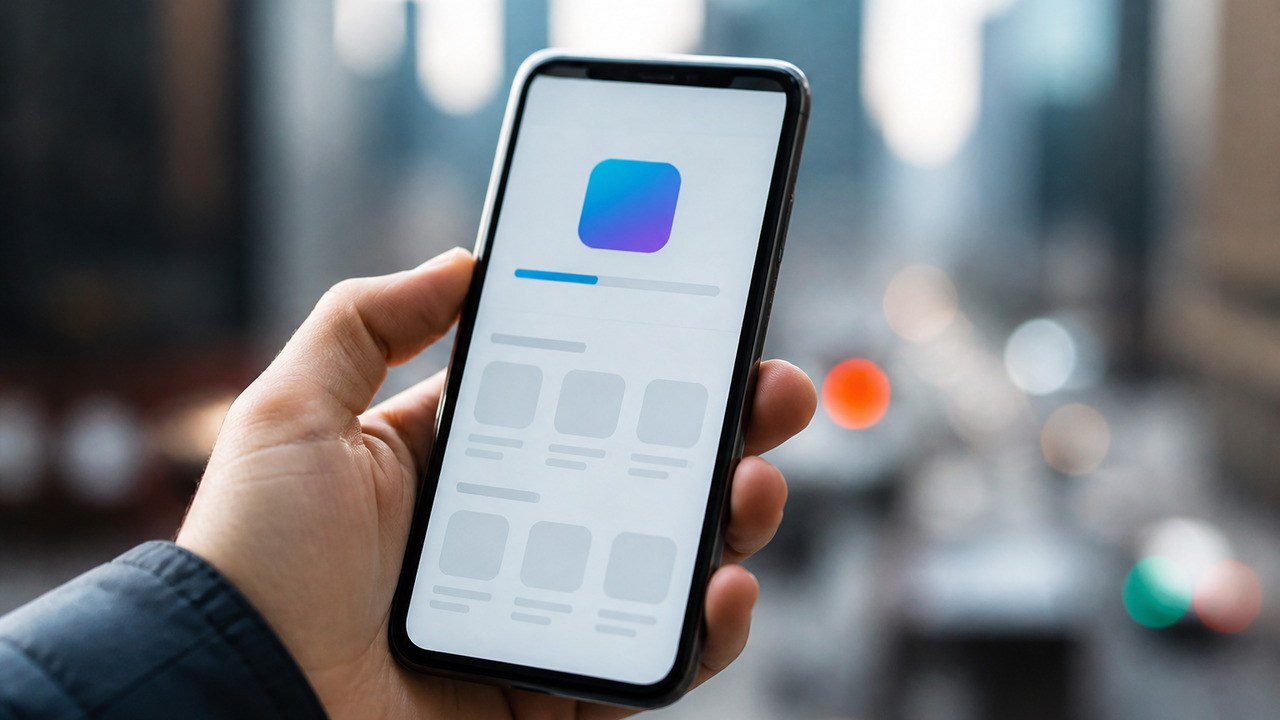
Playing your favourite slot games on the move is easier than ever, and the Ind Slots app brings the full casino experience to your phone. Whether you are waiting for a bus, relaxing on the sofa or taking a break at work, Ind Slots lets you spin the reels wherever you are, with no need to sit at a desktop computer. In this guide, we explain how to download the app, set it up in minutes and start playing safely on your mobile device.
Why Play Ind Slots on Mobile?
Mobile gaming has changed the way people enjoy online slots. Instead of being tied to one place, you can carry hundreds of games in your pocket and play whenever you have a spare few minutes. The Ind Slots app is designed for small screens, so the buttons are easy to tap, the reels are clear to read and the graphics stay sharp even on older phones. Games load quickly, and you can switch between titles with a single swipe. For many players, the convenience alone is reason enough to make the switch from desktop to mobile.
Before You Download: What You Need
Before you start, it is worth checking that your phone is ready. You will need a smartphone or tablet running a recent version of Android or iOS, along with a stable internet connection, ideally Wi-Fi or a strong mobile data signal. Make sure you have enough free storage space, as slot apps with rich graphics can take up a fair amount of room. Finally, check that your phone allows downloads from the official source you are using, and keep your operating system up to date so the app runs smoothly and securely.
How to Download and Install the Ind Slots App
Downloading the app takes only a few minutes. Open the app store on your device and search for the Ind Slots app, then check that you have found the official listing before tapping download. Once the download finishes, the app will install itself automatically. Tap the icon to open it for the first time, and allow any permissions it asks for, such as storage access, so that it can save your settings and game data. If the app does not appear in your usual store, visit the official website from your mobile browser and follow the download instructions given there. Always download from an official source, and never install files sent to you by strangers or found on unfamiliar websites.
Setting Up Your Account
When you first open the app, you will be asked to sign in or create a new account. If you already have an account, simply enter your username and password to pick up where you left off. New players can register by providing a few basic details and choosing a secure password. Take a moment to set up any extra security options the app offers, such as a PIN or fingerprint login. Once you are signed in, you may want to set your preferences, including sound effects, display settings and notification choices, so the app feels comfortable from the very first spin.
Finding Your Way Around the App
The app is laid out so that everything is easy to find. The home screen usually shows featured games, popular titles and any current promotions. A menu or search bar lets you browse by theme, look for a specific game or filter by the type of slot you enjoy, whether that is a classic three-reel game or a modern video slot with bonus rounds. Tapping a game opens it straight away, and your balance and account options are normally visible at the top of the screen. Spend a few minutes exploring the menus before you start playing.
Playing Slots on Mobile: Tips for a Smooth Experience
Playing slots on a phone is simple, but a few habits can make it much more enjoyable. First, play on a stable connection, because a dropped signal in the middle of a spin can be frustrating. Second, learn the rules of each game before you raise your stake, and use any free-play or demo mode to get a feel for the bonus features. Third, set a budget before you start and stick to it, treating the money you spend as the cost of your entertainment. Short sessions often work best on mobile, so take breaks and remember that slots are games of chance, which means every spin is independent and no strategy can guarantee a win.
Staying Safe While You Play
Safety matters just as much on mobile as it does on a computer. Only ever download the app from the official store or the official website, and keep the app updated so you always have the latest security fixes. Use a strong, unique password for your account, and never share your login details with anyone. It is also wise to use the responsible-gaming tools built into the app, such as deposit limits and session reminders, which help you stay in control and keep the experience fun rather than stressful.
Troubleshooting Common Download Problems
If the download will not start, first check your internet connection and try switching between Wi-Fi and mobile data. If the app will not install, check that you have enough free storage and clear some space if needed. Restarting your phone can solve many small glitches, and updating your operating system may fix compatibility problems. If the app crashes when you open it, try clearing its cache in your phone settings, or remove it and install it again from the official source. Should problems continue, contact the support team with details of your device and the error you are seeing.
Final Thoughts
Downloading the Ind Slots app is a quick and simple way to enjoy slot games wherever you go, with an easy installation, a straightforward setup and a library of games built for mobile play. Follow the steps in this guide, download only from official sources and take a few minutes to set up your account securely, and you will be ready to spin the reels in no time. For the official download and the latest information, visit https://indslots.uk.com/ and start your mobile slots experience today.
